How to journal your futures trades in 60 seconds a day
Most traders quit journaling within a few weeks because it takes too long. A simple routine that keeps the useful part and drops the busywork.
· 3 min read
Every trading book says to keep a journal. Most traders start one, and most give up within a few weeks. They’re not lazy. A typical journal asks you to do a computer’s job: copy prices, work out P&L, type times and paste screenshots. After a red day, nobody wants to spend twenty minutes on data entry.
The fix is to split journaling into the part a computer should do and the part only you can do, then make your part take a minute.
What a journal is for
Before the routine, the goal. A journal should answer three questions:
- What actually happened? Your real P&L after fees, trade by trade.
- Which of my trades are working? Your results grouped by setup.
- What do I keep doing wrong? Your mistakes and what they cost.
The first question is pure data, and software should answer it for you. The second and third need a few seconds of your judgment on each trade. Most of the value of journaling is there, and so is all of the effort you should actually be spending.
The routine
During the session: take screenshots
Don’t write anything while you trade. Just take screenshots at the moments that matter: before entry, when you’re in, after you’re out. On a Mac, ⌘⇧3 captures the whole screen in one keystroke. On Windows, the Snipping Tool (Win+Shift+S) works.
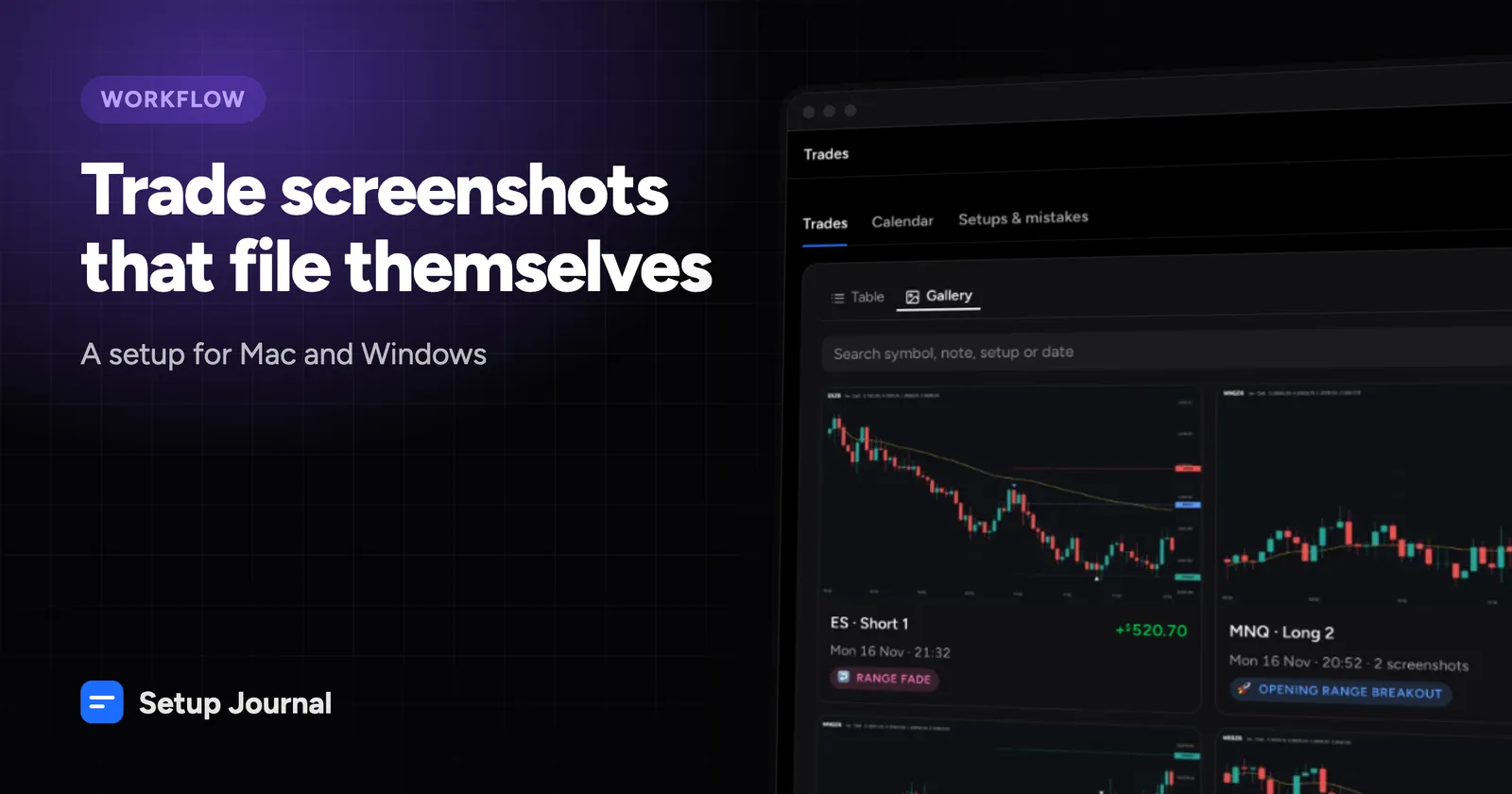
A screenshot captures more than any note you’d write mid-trade: the chart, your order lines, your P&L, the time. The filename includes the time it was taken, so it can be matched to the trade later. See taking trade screenshots that file themselves.
After the session: export, don’t type
Download your fills from your platform instead of typing trades in. On Tradovate that’s the Fills, Cash History and Orders reports. On NinjaTrader 8 it’s the Executions export. It takes about two minutes once you know where to click (guides for Tradovate and NinjaTrader).
The review: three things per trade
For each trade, look at its screenshots and record:
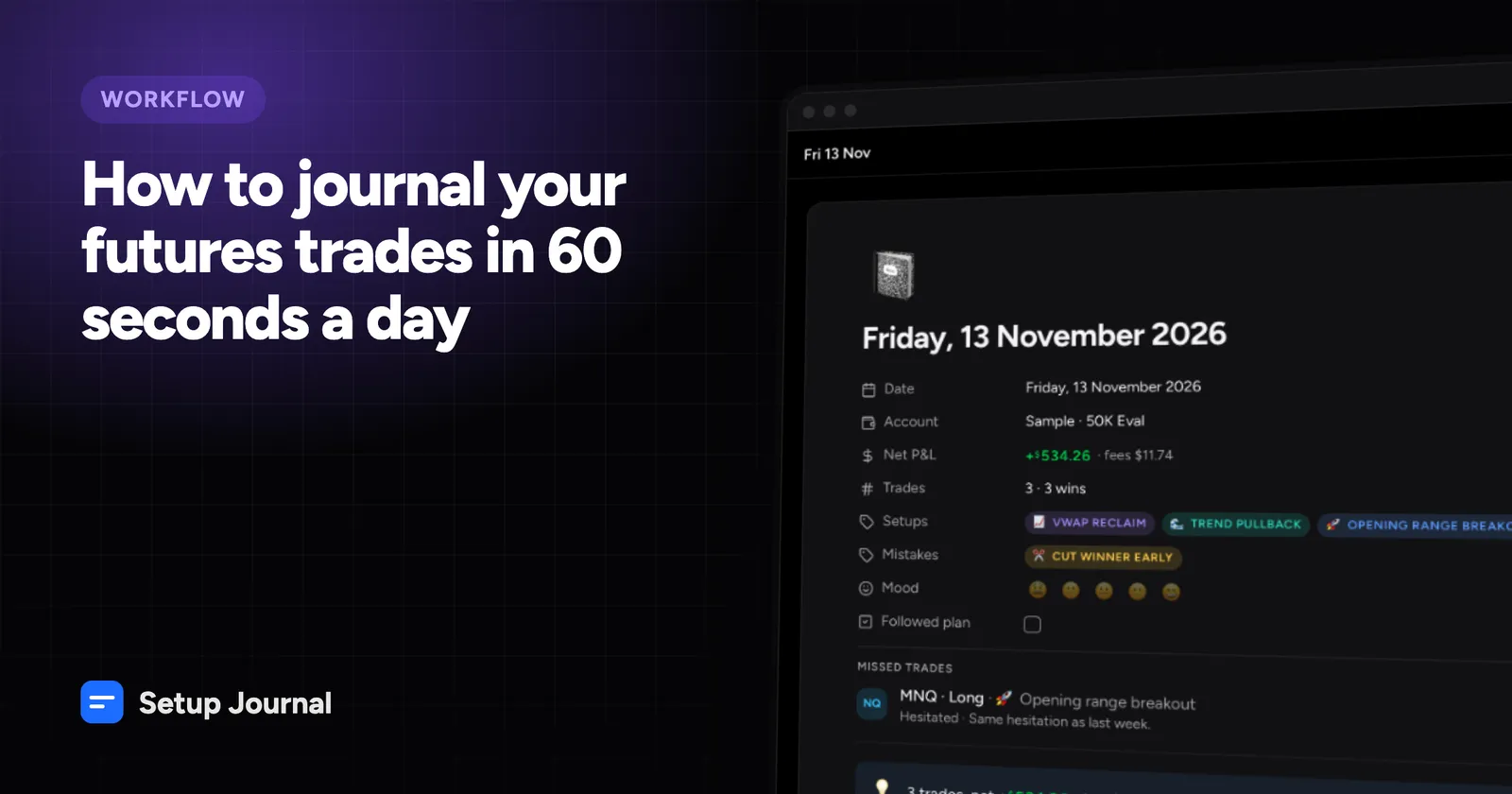
- The setup. Which of your patterns was it? Keep a short list: opening range, VWAP reclaim, failed breakout. If it wasn’t one of them, that’s worth noticing too.
- The mistake, if any. Moved stop, chased entry, oversized, revenge trade. Be honest. This is the most valuable tag in your journal.
- One line. What did you see, and would you take it again? One sentence is enough.
That’s about fifteen seconds a trade. Three or four trades a day comes to about a minute.
Once a week: look at the totals
On the weekend, group your trades by setup and by mistake:
- Which setup made money? Which one didn’t?
- What did each mistake cost in total?
The answers are usually obvious and uncomfortable. “Moved stop: 6 trades, −$412” is more convincing than any trading book.
What not to record
Skip anything the software can work out (entry and exit prices, P&L, duration, time of day, fees) and anything you won’t look at again. If you never filter by “market condition”, don’t record it. Every extra field makes it more likely you’ll skip a day.
Making it automatic
Setup Journal was built around this routine. Drop your exports and screenshots in after the session. Trades are rebuilt, fees added, and every screenshot attached to its trade. New trades wait in a To review inbox. Open each one, tag a setup or mistake, write a line, press R. The setups page shows exactly what each setup and mistake has made or cost you.
The best journal is the one you still keep three months from now. Make it take a minute.